

Understand AI
What is AI, where do students encounter it, and what can the tools actually do?
Digital creativity and critical thinking
Students explore artificial intelligence by creating music, images and text. They develop their own ideas while checking sources and discussing originality, copyright and responsibility for their choices.
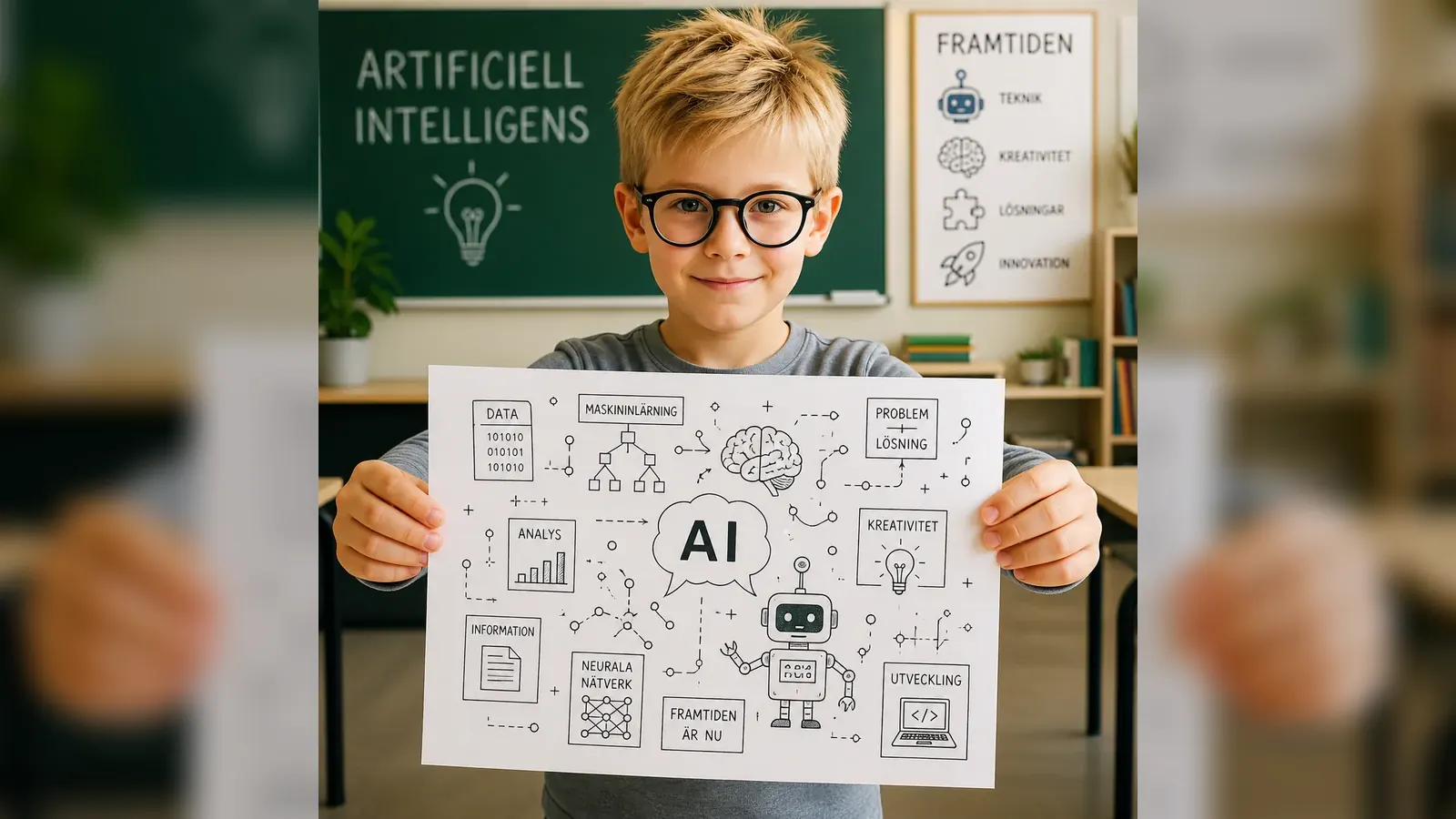
Short explanations are followed by practical tasks. Students test tools, assess the results and improve their own ideas.
What is AI, where do students encounter it, and what can the tools actually do?
Students write instructions, develop ideas and make original work with digital tools.
The group learns how to check sources and discusses originality, copyright and the difference between inspiration and copying.
Students use AI to support their own ideas. They assess suggestions, make active choices and explain what they contributed.
The school needs a room with a projector or large display. Students should have access to computers or tablets, preferably at least one device for every two students.
Practical information
No. The workshop starts with a shared introduction and is adapted to the group's digital experience.
A projector or large display and computers or tablets for the students. We confirm the details before delivery.
No. Students assess suggestions, make their own decisions and develop the result. Originality, source evaluation and responsibility are part of the workshop.
Tell us their age, digital experience and available equipment so we can discuss a workshop that fits the group.
Start planning an AI workshop